

If you’ve worked on a Dynamics 365 or Power Platform project for more than five minutes, you already know one uncomfortable truth:
Nothing ever goes the way you thought it would.
The client loves the design workshop.
They love the Visio diagrams.
They love the Figma mockups.
They sign off on the 40-page solution blueprint and tell you they’re thrilled.
And then you finally build what everyone agreed to.
They see it in action.
And suddenly… they don’t love it anymore.
Now the “final” design needs tweaks. And by “tweaks” I mean everything from “can we swap the labels on these two fields” to “actually this whole process doesn’t work for our team in real life.”
If that feedback lands after you’ve burned through 80% of your budget in a waterfall project, you’re in trouble. And that’s before we even talk about bugs, missed assumptions, and all the “oh, I thought that was obvious” requirements that never made it into the spec because the functional consultant or BA didn’t think they had to spell them out.
This is why I care about Scrum.
Not because it’s trendy. Not because “we do Agile” looks good in an RFP response. But because, done properly, Scrum is one of the few ways we have to embrace the chaos of real Dynamics/Power Platform work instead of pretending it doesn’t exist. Oh, and fair warning: prepare for memes.
Dynamics & Power Platform Projects Are a Special Kind of Mess
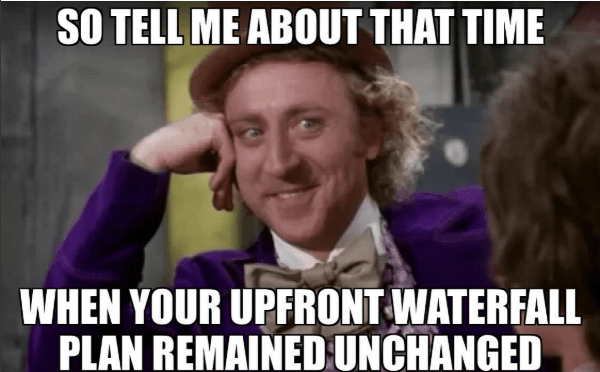
Dynamics 365 and the Power Platform are configuration-heavy, low/no-code, highly adaptable platforms. That’s the whole point. You’re not hand-coding a monolith for two years; you’re composing solutions:
- Out-of-the-box features
- Configuration
- Low-code (flows, canvas apps, model-driven tweaks)
- Some targeted pro-code where needed
That means:
- It’s really easy to change direction mid-flight.
- It’s really easy to over-customize yourself into a corner.
- Nobody (least of all the client) really understands what they want until they’ve seen something working.
Showing a polished spec is not the same as showing a working model-driven app with real data and a real process behind it. Dynamics/Power Platform is visual, tactile, iterative. People need to click around, break things, get annoyed, and say “nope, that’s not how we do it in real life.”
Scrum is built for exactly that kind of environment.
How Waterfall (and Fake Agile) Fails These Projects

Let’s be blunt: the default way a lot of Dynamics/Power Platform work is still sold and delivered is a bad fit for the reality of these platforms.
Waterfall: “Please Predict the Future for Me”
Traditional waterfall wants:
- Big up-front design
- Detailed requirements and process maps for every scenario
- A locked scope and a fixed delivery plan
- A “build” phase that only starts after the documentation is “done”
The sales cycle feeds this by pushing vendors to “nail down” exactly what’s going to be delivered, when, and for how much, right up front.
In practice, this leads to:
- Weeks (or months) spent “getting the requirements right”
- A huge blueprint that nobody actually reads end-to-end
- Development starting way too late
- Feedback arriving at the worst possible time: after most of the budget is gone
By the time the client’s first real reaction is “Oh, huh, that’s not what we expected,” you’re knee-deep in change requests and uncomfortable conversations.
Fake Agile: Waterfall With Extra Meetings
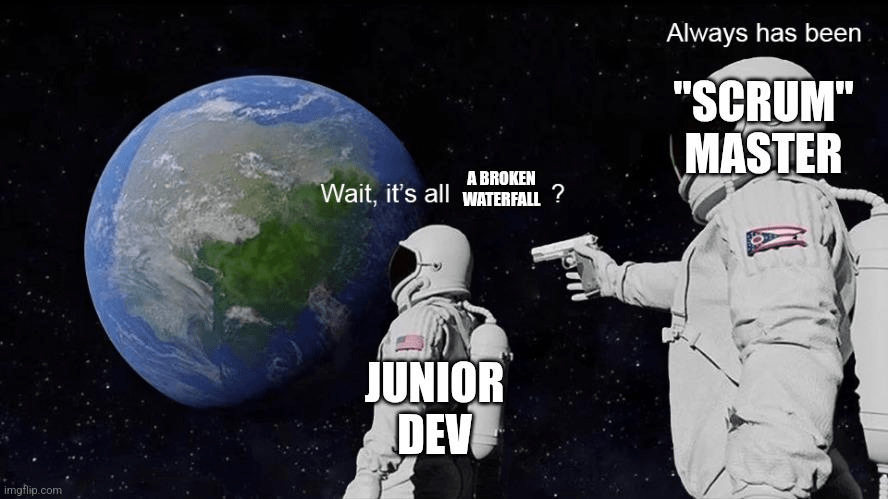
Then there’s the “we do Scrum” version, where:
- You still have a fixed scope, fixed price, fixed timeline
- Every sprint has a predetermined chunk of scope that “must” be delivered
- Any misalignment creates panic: “We didn’t get what we wanted, this project is in yellow now!”
- There’s no real flexibility, no genuine ability to pivot
The ceremonies are there: stand-ups, planning, maybe some kind of demo….. But the mindset is still waterfall. The contract is waterfall. The culture is waterfall. Scrum is just theatre.
This is the worst of both worlds. Now don’t get me wrong. Just because you have phases upfront before your sprints start doesn’t mean you can’t do the SCRUM part well: a Hybrid model IS possible.

So What Does Scrum Actually Give Us Here?
Let’s stop waving our hands and get specific.
For Power Platform and Dynamics 365 projects, Scrum is valuable because it:
- Gets feedback early and often
- Lets us build something real fast, then refine
- Aligns perfectly with fit-gap and OOTB-first thinking
- Takes advantage of how easy it is to change things in low-code
- Turns the client into part of the team instead of an external judge
- Gives us a sane way to operate under fixed budgets without pretending scope is immutable
Let’s unpack those.
Early, Honest Feedback

For me, this is the big one. In every real project, there are:
- Things the client didn’t know they wanted
- Things they thought they wanted but don’t, once they see it
- Things that seemed obvious to the BA or functional consultant, but never made it into the spec
- Things developers interpreted “correctly” according to the document, but wrong according to how humans actually work
The only cure is short feedback loops.
In Scrum:
- You build in short sprints.
- You demo working software at the end of each sprint.
- The Product Owner and stakeholders see it, react, change their mind, and steer.
When that happens in Sprint 2 or 3, it’s healthy. When it happens after 12 months and a big-bang go-live, it’s a disaster.
That’s why people like Neil Benson keep repeating that Scrum lets you “slash costs, shrink timelines, mitigate risks, and have more fun” building Microsoft business apps.
It’s not magic. It just ensures you find out what’s wrong early enough to do something about it.
Build Something Functional Fast, Refine Later
One of the most damaging habits in Dynamics/Power Platform projects is spending too long talking about something you could have just built a rough version of in a day.

With these platforms, you can absolutely:
- Stand up an initial case management prototype
- Configure an OOTB sales process
- Spin up a quick 311-style request intake screen
- Mock a basic portal or canvas app for key journeys
and then say:
“Is this roughly what you had in mind? If not, what’s wrong with it?”
Scrum bakes this into the process:
- Sprint Planning: agree what slice you’ll make real.
- Sprint: build the thin-but-working version.
- Review: show it, take feedback, adjust the backlog.
You don’t waste three weeks perfecting a theoretical design when you could’ve shown a working model-driven app in three days and found out 30% of it was wrong.
Scrum Plays Nicely with Fit-Gap and OOTB-First
Dynamics 365 and Power Platform come with a ton of out-of-the-box capability. A healthy implementation should be biased towards:
- Configuration over custom code
- Using standard tables and processes where possible
- Deferring “nice-to-have” customizations until later releases
Scrum helps that in a couple of ways:
- Backlog refinement becomes a live fit-gap exercise:
- “Here’s what Sales does today.”
- “Here’s what Dynamics Sales does OOTB.”
- “For this gap, do we really need a customization, or can we adjust the process?”
- Sprint Reviews force regular conversations around:
- “We used the standard case form; is this good enough?”
- “Do you really need that bespoke SLA calculator in v1?”
You show OOTB early, not as a footnote. Prototyping is easy, so you use it.
That naturally pushes teams away from “custom everything just because we can” and towards “configure first, extend where it clearly pays off.”
Low-Code + High Changeability = Scrum’s Playground
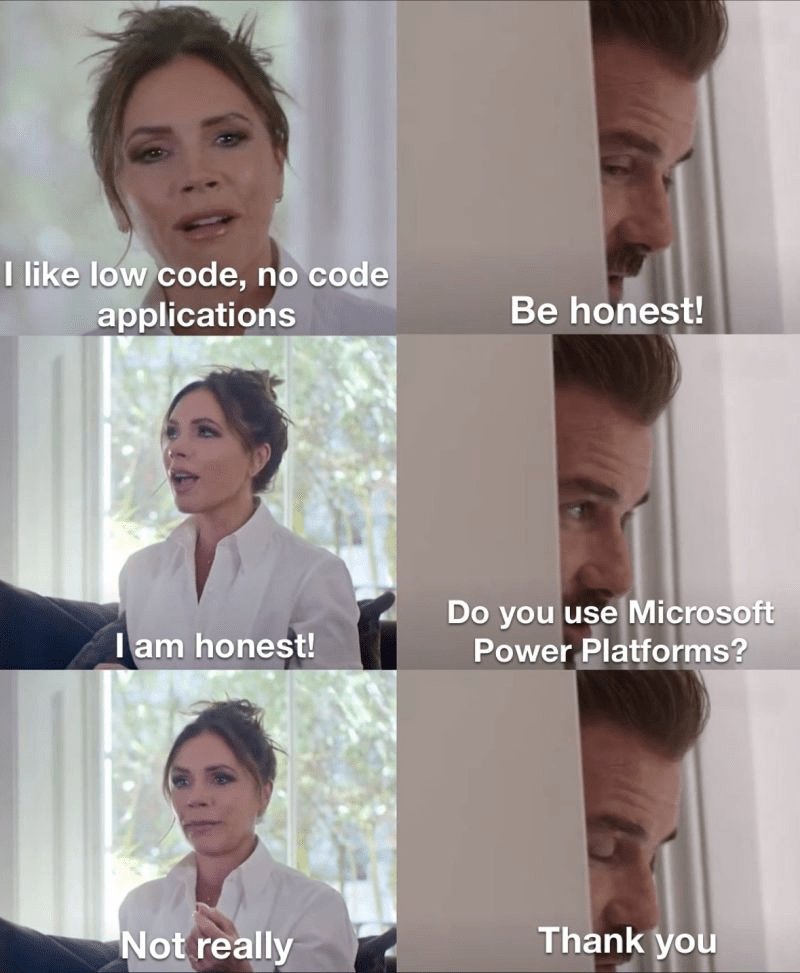
Because Power Platform and Dynamics 365 are so configuration-heavy, it’s comparably cheap to:
- Rename fields
- Reorder forms
- Change business rules
- Adjust flows
- Iterate on UX and filter logic
Scrum leans into that.
When you’ve got a sprint cadence, you can say:
- “We’ll ship a basic version this sprint.”
- “We’ll refine based on feedback next sprint.”
- “We’ll push that risky customization into a later release, once we’re sure we actually need it.”
Instead of pretending you can lock it all down up front, you use the platform’s flexibility as a feature, not a risk.
The Client as Part of the Squad (Not a Distant Judge)
The Dynamics/Power Platform projects I remember most fondly were the ones where:
- The client didn’t just outsource “the project” to the vendor.
- They joined the Scrum team as real participants.
- We did co-building: configs, tests, even some low-code pieces together.
- We sold them on actual Scrum, not just the word.
When that happens:
- They own the product vision.
- They help prioritize the backlog.
- They see the trade-offs (time, budget, complexity) in real time.
- They stop acting like the vendor has a crystal ball and start acting like a partner.
When Scrum is forced on an unwilling client who just wanted a fixed-scope project with extra ceremonies, it doesn’t work. When they’re genuinely bought in and willing to play the game, it’s a completely different experience.
Fixed Budget, Flexible Scope (and Why Fixed-Price SOWs Are a Trap)
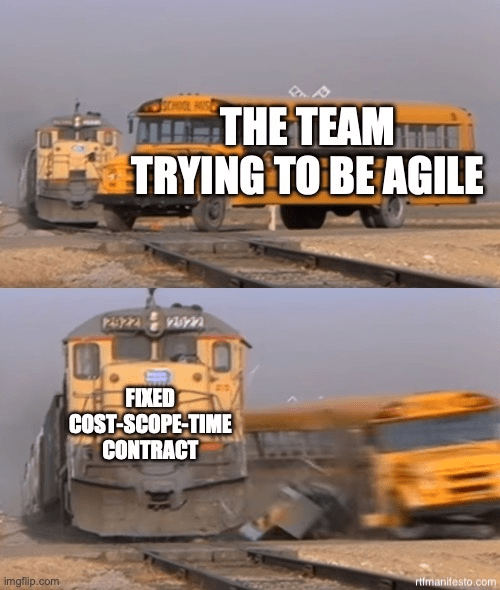
Let’s talk about the fun part: fixed-price statements of work.
Personally, I think rigid fixed-price, fixed-scope SOWs are misguided for this kind of project. You’re being asked to pretend:
- The budget is fixed.
- The timeline is fixed.
- The scope is fixed.
- The requirements are fully understood up front.
In a world where literally none of that is true.
That said, you can operate within a fixed-budget reality in a Scrum-friendly way:
- Budget fixed? Fine.
- Treat scope as variable within that envelope.
- Use Scrum to constantly ask: “Given what we know now, what’s the best use of the next sprint’s capacity?”
- Deliver the highest-value, lowest-regret features first.
If both budget and scope are treated as fixed, there’s no methodology on earth that’s going to make that a good time. At least Scrum gives you a language and structure to push back:
“We can absolutely do that change. Here’s the impact on the backlog, and here’s what gets pushed out.”
When Scrum Might Not Be the Answer
I’m not going to pretend Scrum is the universal solution to all things.
There are cases where:
- Requirements really are predictable and well-defined up front.
- You’re dealing with tiny, simple Power Automate flows or one-off apps.
- Heavy regulation forces very rigid documentation and approval gates. Amazing Apps
In those situations, a light-touch iterative approach might be enough: a bit of prototyping, a couple of demos, and you’re done. You don’t necessarily need the full Scrum apparatus for every three-day mini-automation.
The key is knowing whether your problem is simple and stable, or complex and evolving. Dynamics 365 and serious Power Platform apps tend to fall squarely in the latter category.
So, Why Scrum for Dynamics 365 and Power Platform?
If I had to boil it down to the version I’d give a fellow consultant over a beer, it’d be something like this:
- Dynamics/Power Platform projects are messy, evolving, and full of unknowns. Scrum doesn’t hide from that; it’s designed for it.
- Scrum gets you real feedback on working software early and often, before your budget is gone and everyone’s locked into bad decisions.
- The platform’s low-code, high-config nature makes it ridiculously well-suited to iterative delivery, fit-gap validation, and course correction.
If your idea of “Agile” is just waterfall with daily stand-ups and more colourful boards, then no, Scrum isn’t going to magically fix your project.
But if you’re willing to:
- Let go of the illusion of certainty,
- Bring the client inside the team,
- And use the platform the way it was meant to be used—iteratively,
then Scrum stops being a buzzword and starts being what it should have been all along:
Just a sensible way to build Dynamics 365 and Power Platform apps in the real world.

 Power Platform Scrum Master